
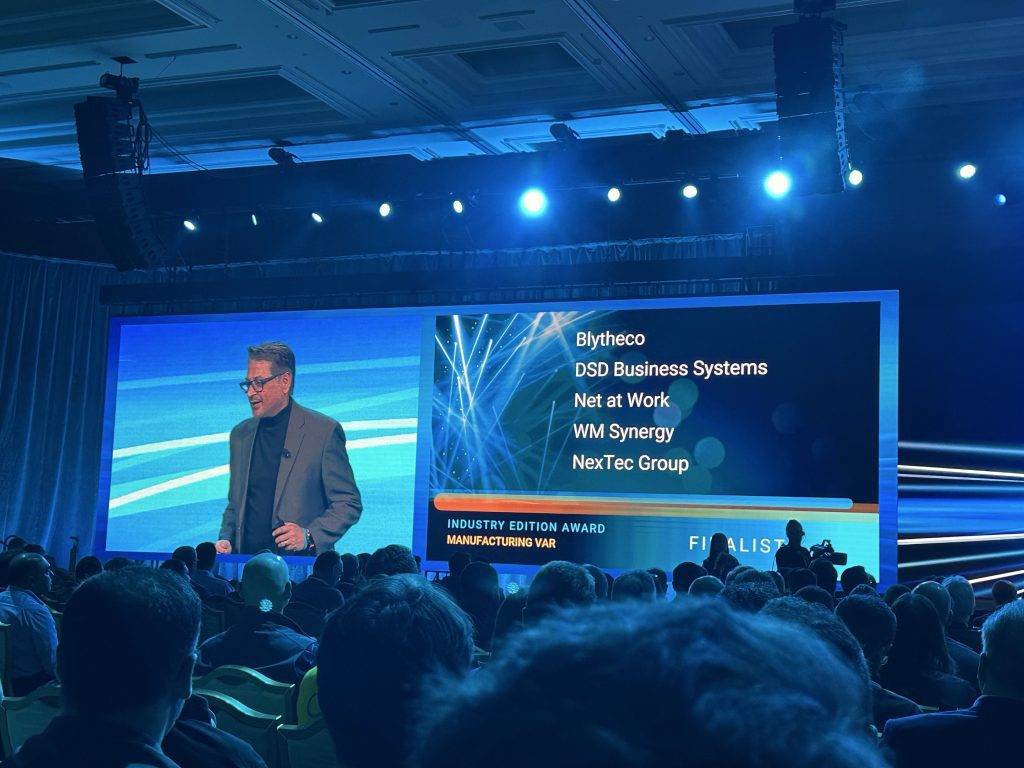
Acumatica Summit 2026 arrives in Seattle with a clear message: the era of manual data entry in enterprise resource planning is ending. The conference, running January 25-28 at the Seattle Convention Center, positions AI automation as the bridge between routine administrative tasks and strategic business intelligence.
The shift represents more than incremental improvement. Finance teams that once spent hours entering invoices now oversee systems that extract, validate, and categorize information automatically.
Project managers who manually tracked job costs now receive real-time alerts when spending patterns suggest budget overruns. The transformation changes how mid-market businesses allocate their most valuable resource—human attention.
Acumatica structures its AI capabilities around three distinct functions, each addressing different aspects of business operations. The approach reflects a deliberate choice to solve specific problems rather than pursue AI for its own sake.
AI Advisors identify issues and recommend solutions. These systems analyze data patterns to detect anomalies, such as unexpected spikes in material costs or unusual transaction patterns that might indicate errors or fraud. The general ledger anomaly detection feature, already available in current releases, scans financial records for irregularities that would take human reviewers hours to spot.
AI Automation handles repetitive tasks with minimal human intervention. Accounts payable automation demonstrates the concept clearly. The system reads supplier invoices, extracts relevant information including vendor name, invoice number, date, and amount, then populates the correct fields in the accounting system. When approvers make changes during the review process, the system learns from those modifications and applies the knowledge to future invoices.
AI Assistants work alongside users through conversational interfaces. Rather than navigating through multiple screens and menus, users can ask natural language questions to retrieve data, generate reports, or complete tasks. The assistant retrieves necessary information and presents it in context, reducing the cognitive load required to perform complex activities.
The introduction of AI Studio marks a shift in who can implement automation. Traditionally, customizing ERP systems required programming knowledge and IT department involvement. AI Studio uses a low-code framework that allows business users to create automated workflows without writing code.
The system works through a five-stage process. Action invocation begins when a user triggers an automation, either manually or through workflow rules. Prompt generation gathers relevant data from the business entity and related records, then populates a predefined template. Prompt execution sends the generated prompt to the appropriate AI service. Response processing interprets the AI output and validates it against business rules. Entry update applies the changes to the relevant records.
Configuration happens through visual interfaces. Users define which fields an automation should update, specify the data sources it should consider, and set the conditions that trigger the automation. The system includes a testing interface where administrators can preview how the automation will behave before enabling it for other users.
Released as an experimental feature in Acumatica 2025 R2, AI Studio currently focuses on document-level automation. Users can automate actions within sales orders, cases, inventory items, and similar record types. The system updates or deletes field values within a single document but does not yet create detail lines or work across multiple records simultaneously.
%20Paychecks.png)
Construction companies face specific challenges that AI automation addresses directly. The industry manages complex job costing, multiple pay rates including prevailing wages, union reporting requirements, and tight project margins where small errors compound into significant losses.
Lumber, a workforce management platform that integrates with Acumatica, presents a session at Summit 2026 titled "Intelligent Back Office: Reinventing Construction Finance with AI." Scheduled for Jan 27, 2026 1:30 PM to 2:30 PM, the session examines how AI changes the finance function in construction companies.
The construction back office traditionally operated on paper trails and manual workflows. Time cards arrived from job sites, payroll administrators entered the information into systems, and accountants reconciled the data against project budgets. Each step introduced potential for error and delay. A worker might be recorded at multiple job sites simultaneously, or prevailing wage rates might not update when an employee moves between locations with different requirements.
AI-powered systems validate timecards against employee history, project schedules, and regulatory requirements before processing payroll. If a timecard shows an employee working 14 hours in a single day or present at two locations simultaneously, the system flags the discrepancy for review. When prevailing wage rates differ between project locations, the system verifies that pay rates match the correct jurisdiction.
Job costing presents similar opportunities for automation. Construction projects involve hundreds of transactions—labor hours, material purchases, equipment rentals, subcontractor invoices. Each transaction needs proper coding to track costs against budgets at the phase and cost code level. Manual coding is time-consuming and prone to errors. Workers might use incorrect codes, or vendors might bill materials to the wrong project.
AI systems suggest appropriate cost codes based on vendor history, item descriptions, and project context. If a lumber supplier typically provides materials for framing work, the system recommends framing cost codes when processing their invoices. If spending on a particular cost code suddenly spikes beyond historical patterns, the system alerts project managers before the variance becomes unmanageable.
The integration between workforce management and job costing creates additional advantages. When time tracking systems automatically feed labor hours into job costing with proper classifications, project teams see accurate labor costs in real time. They can identify productivity issues, adjust crew assignments, or address budget concerns while projects are still in progress rather than discovering problems during closeout.
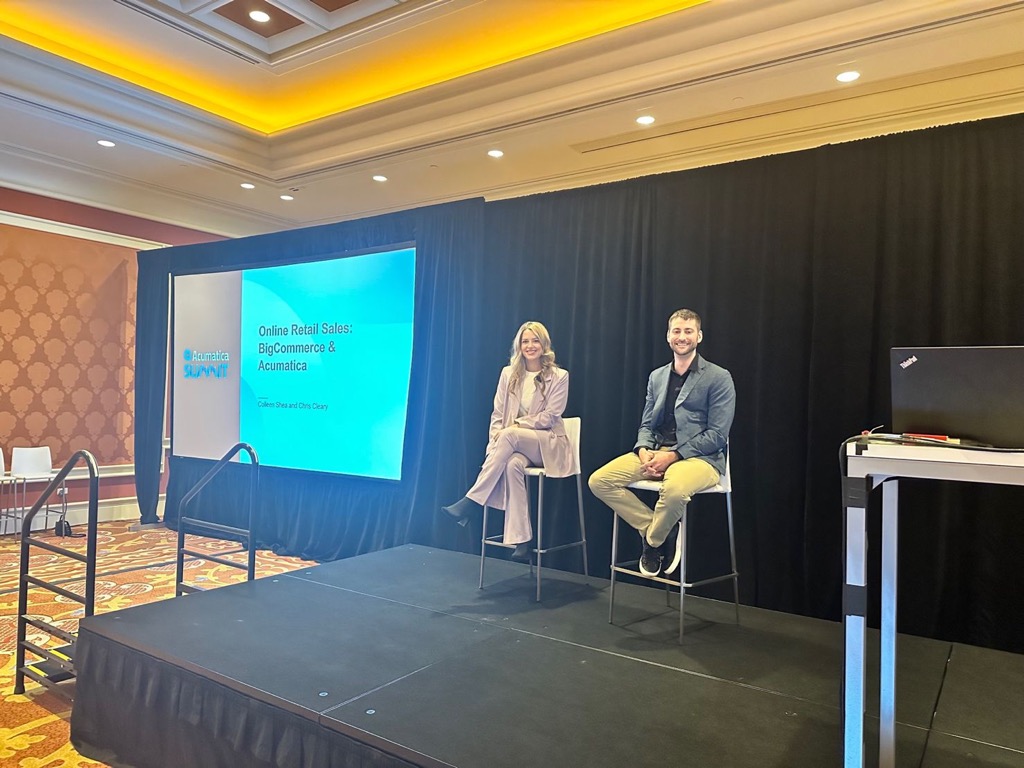
AI automation changes workflows, which means it affects people. Organizations that approach implementation as purely a technical exercise often struggle with adoption. The technology works, but employees resist using it or find workarounds to maintain familiar processes.
Successful implementations start with identifying specific pain points. Rather than automating everything at once, companies select one or two high-impact processes where automation delivers clear benefits. Accounts payable invoice processing is a common starting point because the benefits are measurable—fewer data entry hours, faster invoice approval cycles, reduced payment errors.
Organizations need to communicate how automation affects individual roles. An accounts payable clerk might worry that automation eliminates their job. In practice, automation typically shifts the role from data entry to exception handling and vendor relationship management. The clerk reviews flagged exceptions, resolves discrepancies with vendors, and focuses on process improvement rather than repetitive typing.
Training requirements differ from traditional software training. With AI systems that learn and adapt, users need to understand not just what buttons to push but how the system makes decisions and when to override its suggestions. If an AI system suggests an incorrect cost code, users should know how to make corrections that help the system learn.
The experimental status of AI Studio in the 2025 R2 release reflects this measured approach. Organizations can enable the feature, test it with their data, and evaluate results before committing to production use. When the feature reaches full release in 2026 R1, companies that participated in the experimental phase will have concrete experience informing their decisions.
AI systems process business data, which raises questions about security and privacy. Acumatica addresses these concerns through architectural choices and transparency about data handling.
The AI Service Gateway serves as a controlled connection point between Acumatica instances and AI services. When using external large language models from providers like OpenAI or Azure, the gateway manages the communication. Customer data passes through Acumatica's secure cloud infrastructure rather than connecting directly to external services.
For AI Studio automations, only the specific data included in prompt templates leaves the customer's Acumatica instance. Users can see exactly what information the system will send before enabling an automation. The LLM Prompts configuration screen shows the generated prompt text, allowing administrators to verify that sensitive data isn't inadvertently included.
Data masking capabilities, planned for 2026, will automatically anonymize sensitive information before sending it for AI processing. The system replaces actual values with masked tokens, processes the request with the masked data, then reverses the masking when applying results back to the original records.
Some AI features operate entirely within the customer's Acumatica instance. The Intelligent Text Completion feature, which suggests text as users type, processes data locally without external API calls. This design eliminates data transmission concerns while still providing intelligent assistance.
Anomaly detection transmits only numeric values and hashed identifiers. The AI service analyzes patterns in the numbers without accessing the business context that makes the data sensitive. A sudden spike in a general ledger account might trigger an alert, but the AI service never sees the account name, vendor information, or transaction details.
Acumatica's focus on practical AI automation reflects broader patterns in enterprise software. Early AI implementations often emphasized impressive demonstrations over useful functionality. Systems could generate creative content or answer trivia questions but struggled with the structured tasks that define business operations.
The current generation of AI tools addresses this gap. Document processing systems extract information from invoices, purchase orders, and contracts with accuracy rates that match or exceed human performance. Anomaly detection systems identify unusual patterns in financial data, inventory movements, or project costs. Recommendation systems suggest appropriate classifications, codes, or next actions based on historical patterns.
These capabilities matter for mid-market companies in particular ways. Large enterprises typically have IT departments that can build custom automation using programming tools and APIs. Small businesses often lack the transaction volumes that make automation worthwhile. Mid-market companies occupy the space where automation delivers significant benefits but traditional implementation approaches are too complex or expensive.
Low-code AI tools change this equation. When business users can configure automations through visual interfaces rather than requiring developer resources, implementation becomes faster and less expensive. When AI systems provide pre-trained models for common tasks like invoice processing or cost code suggestion, companies avoid the data science work required to build these capabilities from scratch.

Summit attendees will see AI automation throughout the agenda. The AI-focused Hackathon, running January 24-25, challenges participants to build solutions using AI Studio. Teams demonstrate what's possible when combining Acumatica's platform capabilities with AI-powered workflows. Last year's winning projects included automation that extracted sales orders from customer emails and systems that generated product descriptions from basic specifications.
Sessions covering the 2026 R1 release will detail AI Studio's evolution from experimental feature to production capability. Attendees will learn about new automation capabilities, additional business processes that support AI workflows, and tools for monitoring and managing automated actions in production environments.
Industry-specific sessions examine how AI automation addresses unique challenges in construction, distribution, manufacturing, and professional services. The construction track includes detailed discussions of AI-powered payroll validation, automated job costing, and predictive project management. Distribution sessions cover AI-assisted order orchestration and intelligent product recommendations. Manufacturing content addresses scheduling optimization and quality control automation.
Partner showcases in the Summit Marketplace demonstrate how integrated solutions extend Acumatica's AI capabilities. Companies like Lumber show purpose-built applications that combine workforce management, compliance monitoring, and financial integration with AI-powered automation specific to construction operations. Other partners present solutions for advanced analytics, supply chain optimization, and customer experience management.
Technical sessions provide implementation guidance. Topics include prompt engineering for AI Studio, integration patterns for external AI services, and strategies for testing AI-powered workflows. These sessions help technical teams understand how to configure, monitor, and troubleshoot AI automations in production environments.
The transformation from data entry to decision-making changes what finance teams do and how organizations value their work. A payroll administrator who once spent hours entering timecards now focuses on resolving exceptions, ensuring compliance, and identifying process improvements. A project accountant who manually reconciled job costs now analyzes variance trends and advises project managers on budget strategies.
This shift requires different skills. Data entry requires accuracy and attention to detail. Analysis requires understanding what the numbers mean and what actions they suggest. Exception handling requires judgment about when to follow system recommendations and when to override them. Process improvement requires seeing patterns across multiple transactions and projects.
Organizations need to prepare their teams for these changing roles. Training should cover not just how to use AI-powered tools but how to interpret their outputs and make informed decisions. Finance professionals need to understand the business operations that generate the data they analyze. They need to communicate insights effectively to non-financial stakeholders who will act on the information.
The construction industry session on intelligent back offices addresses these human factors alongside the technical capabilities. Finance leaders learn what skills become more valuable as automation handles routine tasks. They explore how integrating workforce data with financial data creates new types of insights. They discuss how to position finance as a strategic function rather than a processing center.
AI automation in ERP systems continues to evolve. Current capabilities handle well-defined tasks with clear rules and outcomes. Future developments will address more complex scenarios that require contextual understanding and multi-step reasoning.
Conversational interfaces will become more sophisticated, moving beyond simple question-and-answer interactions to guide users through complex processes. An AI assistant might help a project manager evaluate whether to approve a change order by retrieving relevant contract terms, checking budget impacts, analyzing historical data on similar changes, and presenting a summary of factors to consider.
Predictive capabilities will extend further into business planning. Current anomaly detection identifies unusual patterns after they occur. Future systems will forecast likely outcomes based on current trends and recommend preventive actions. A project showing early signs of budget pressure might trigger recommendations about crew adjustments, material alternatives, or schedule modifications.
Industry-specific AI capabilities will become more refined. Construction systems will better handle union requirements, certified payroll, and prevailing wage complexity. Distribution systems will optimize warehouse operations and route planning. Manufacturing systems will coordinate production schedules with supply chain constraints and quality requirements.
The distinction between "AI features" and "standard features" will blur as intelligent capabilities become expected rather than novel. Just as today's ERP systems automatically calculate tax based on jurisdiction rules, tomorrow's systems will automatically suggest cost codes, validate transactions against policies, and alert users to potential issues.
Summit 2026 represents a snapshot of this transition. Organizations attending the event will see current capabilities, learn about near-term developments, and begin planning how AI automation fits into their operations. The focus remains practical—solving real business problems, improving specific processes, and delivering measurable results.
The transformation from data entry to decision-making is underway. Seattle provides the venue where the Acumatica community will explore what this transformation means for their businesses, their teams, and their industries.
Register for Acumatica Summit 2026 in Seattle to see these AI capabilities in action